

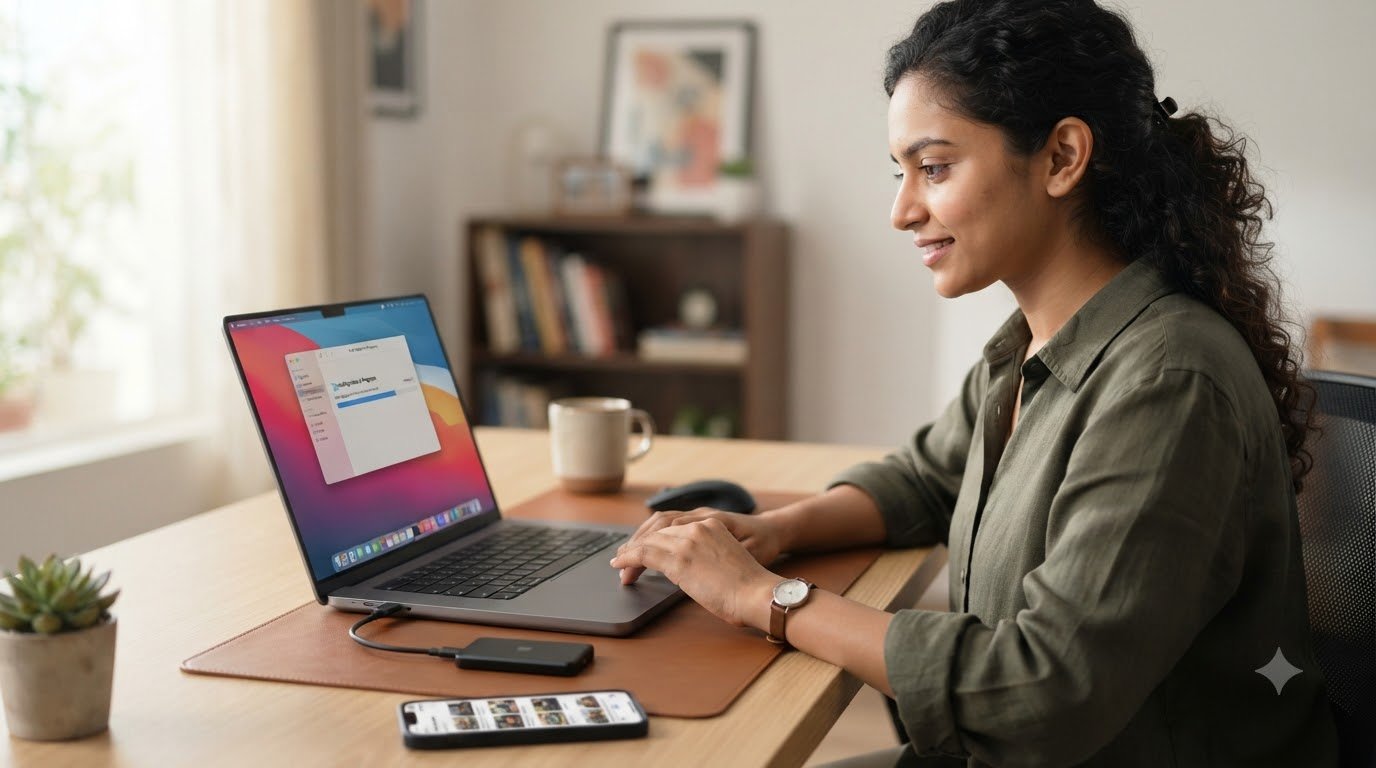
Selling an old laptop can be a smart way to earn extra money while making room for a newer device. However, getting a good price requires more than simply posting an advertisement online. From preparing your laptop to choosing the right selling platform, a few simple steps can make the process easier and safer.
1. Check Your Laptop’s Condition
Before selling, carefully inspect your laptop. Check the screen, keyboard, touchpad, ports, battery, charger, camera, speakers, and overall body condition. Note any scratches, dents, or technical problems. Be honest about the condition, as accurate information helps build trust with potential buyers.
You should also find your laptop’s exact model, processor, RAM, storage capacity, and operating system. These specifications can significantly affect its resale value.
2. Find a Fair Price
Research the current market value of similar laptops. Compare prices on popular online marketplaces and refurbished-device websites. Consider the laptop’s age, specifications, brand, condition, and remaining warranty.
Avoid setting an unrealistic price. A slightly competitive price can attract more buyers and help you sell the device faster. You can also keep a small negotiation margin if you expect buyers to bargain.
ALSO READ: Acer Highlights Online Shopping, Store Access And Back To School Laptop Offers
3. Clean and Prepare the Laptop
A clean laptop creates a much better first impression. Wipe the screen and keyboard, remove dust from the vents, and clean the exterior carefully. If possible, keep the original charger, box, manuals, and purchase documents. Having these accessories can make your listing more attractive and may increase its resale value.
4. Protect Your Personal Data
One of the most important steps is protecting your information. Back up important files, photos, and documents before selling. Sign out of your email, cloud storage, and other accounts. Then perform a complete factory reset or securely erase the device.
Do not simply delete individual files. A proper reset helps ensure that your personal information is no longer accessible to the next owner.
5. Choose the Right Selling Method
You can sell your laptop through online marketplaces, local buyers, electronics retailers, or buyback services. Online marketplaces may give you a better price, while buyback services can offer greater convenience and faster transactions.
If selling directly to someone, meet in a safe public location and avoid sharing unnecessary personal information.
6. Create an Attractive Listing
Take clear photos from different angles and mention the exact specifications, age, condition, included accessories, and any problems. A detailed and honest description can reduce unnecessary questions and attract serious buyers.
The best way to sell an old laptop is to combine proper preparation, realistic pricing, strong presentation, and data security. Taking a little extra time to clean the device, research its value, and create a trustworthy listing can help you get a better deal while keeping the selling process safe and hassle free.